I’ve run events with more than 30 parallel breakouts, and most event tools still show the day as a list. Eventide shows it as a timeline.
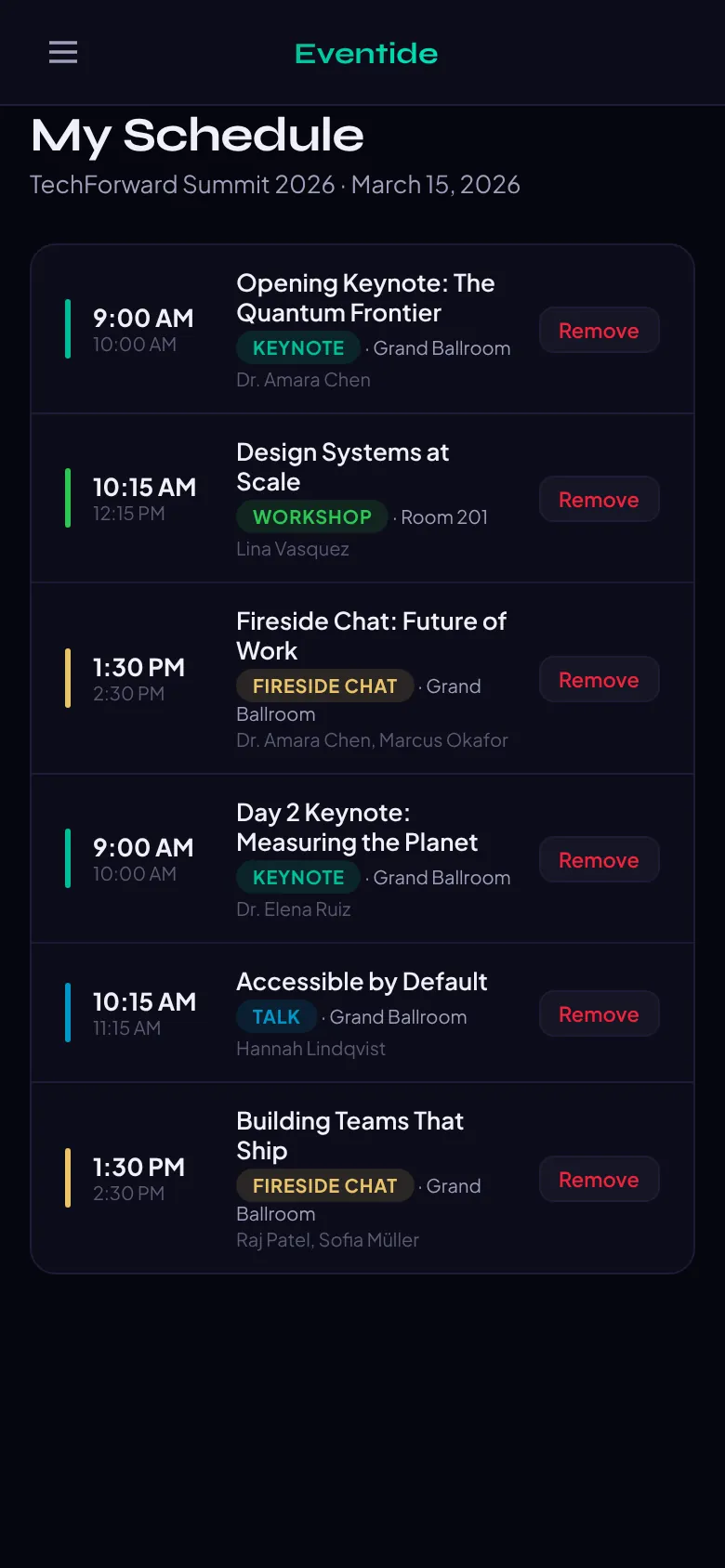
It manages sessions, speakers, attendees, tickets and announcements, then publishes an agenda that any event site can embed. Organizers, editors, speakers and attendees each get their own view, and each client account runs its own events and team.
Where it started
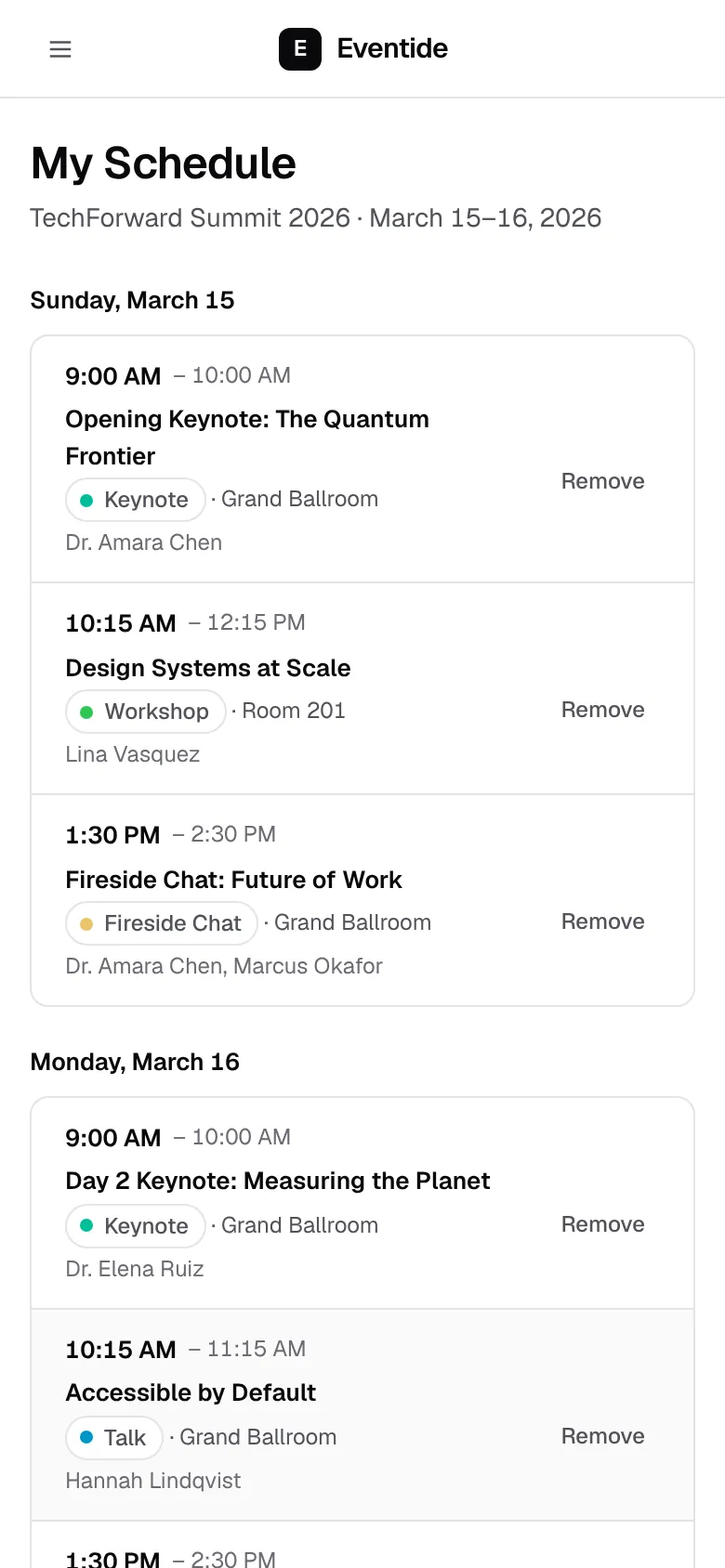
Eventide started as a working prototype in a dark, neon look: stat cards with bright borders, spaced capital labels, sample data written into the page and every demo password printed on the sign-in screen. The redesign kept every feature, every screen and every piece of data, and changed how they read.
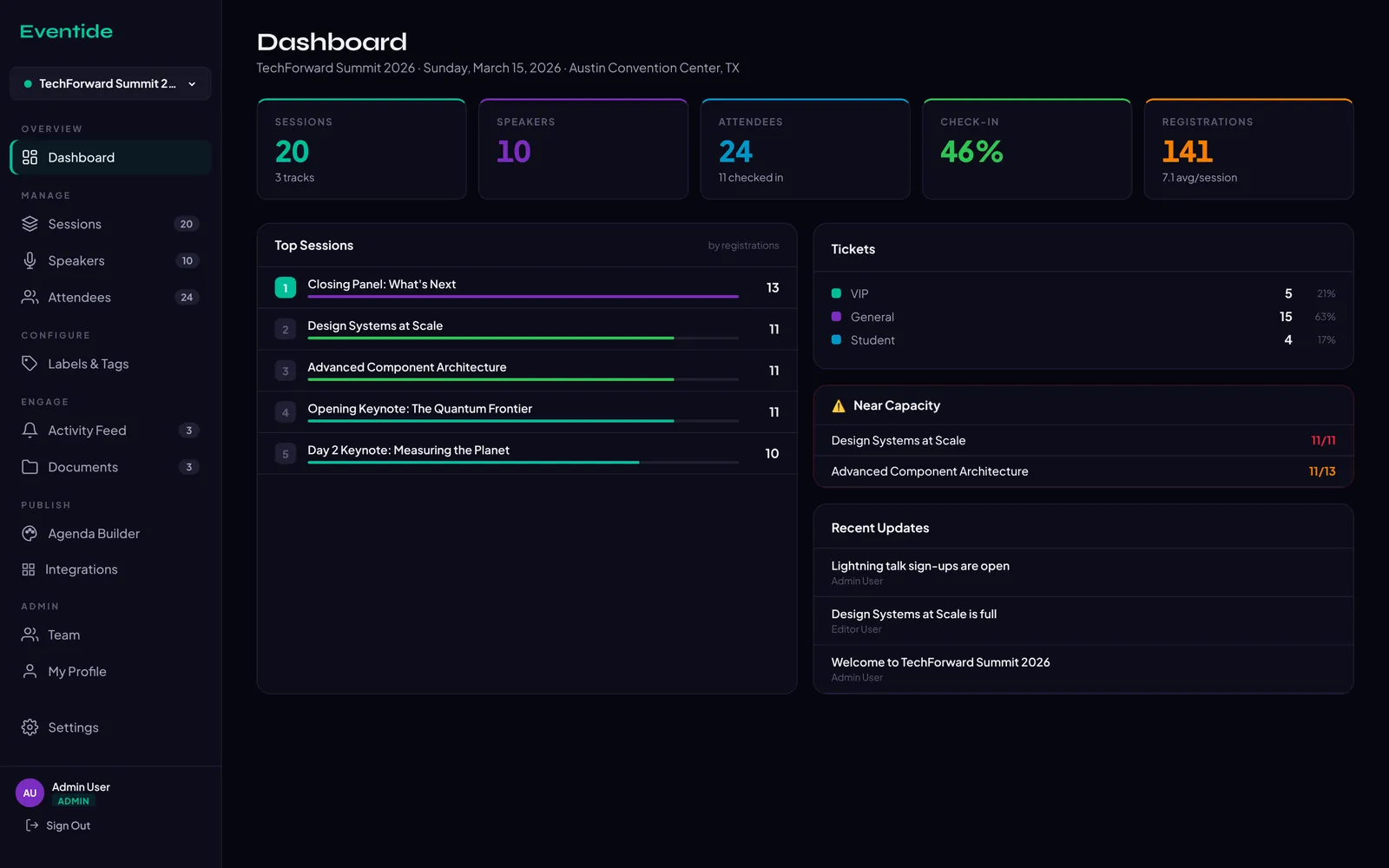
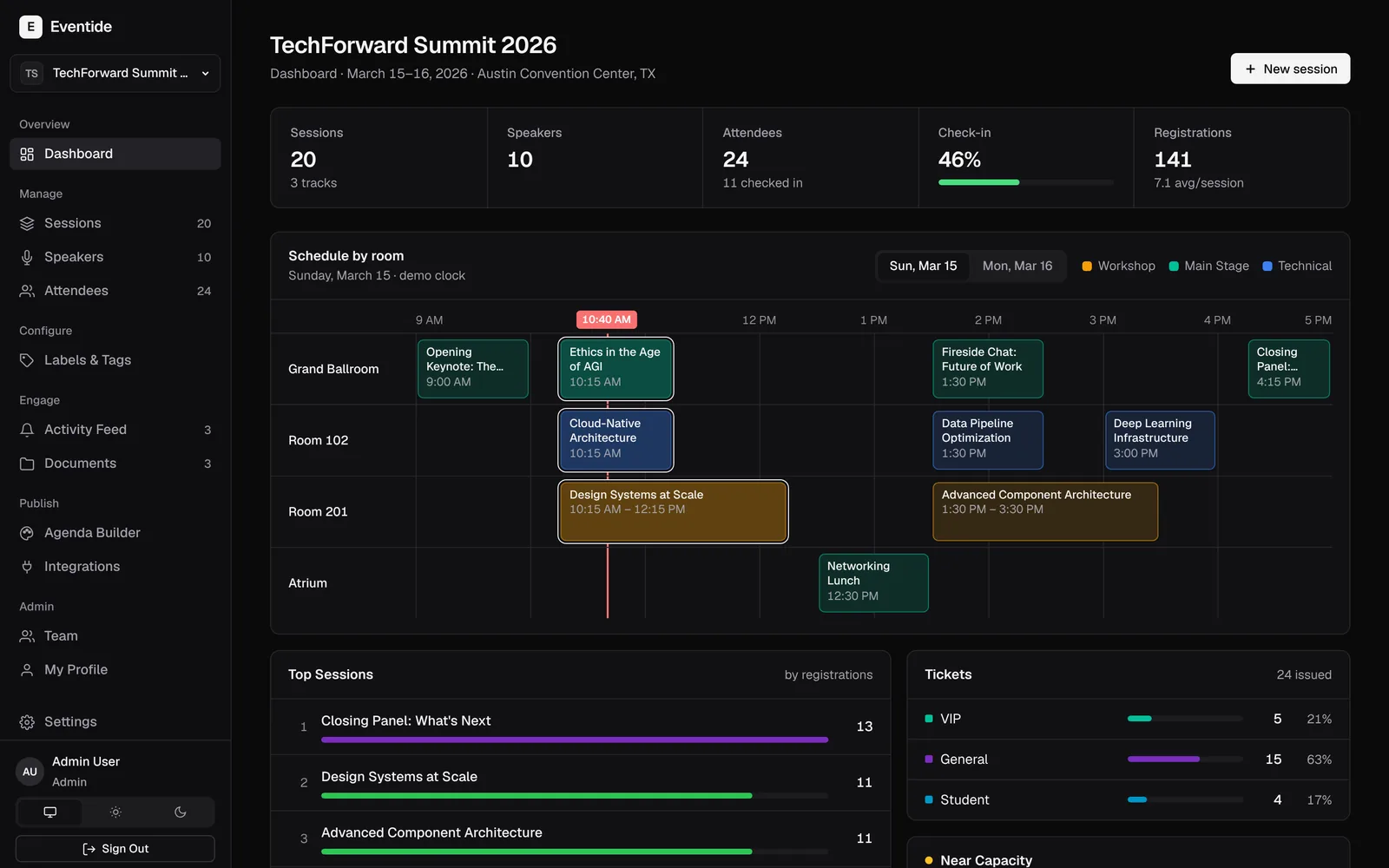
- Colour carries meaning. The interface is neutral, so colour only marks tracks, session types and states such as “near capacity”.
- Calmer type. One typeface in sentence case with tabular figures, instead of a display font and spaced capitals.
- No passwords on the sign-in screen. An “Explore the demo” panel signs a visitor in as any of the four roles.
The room timeline
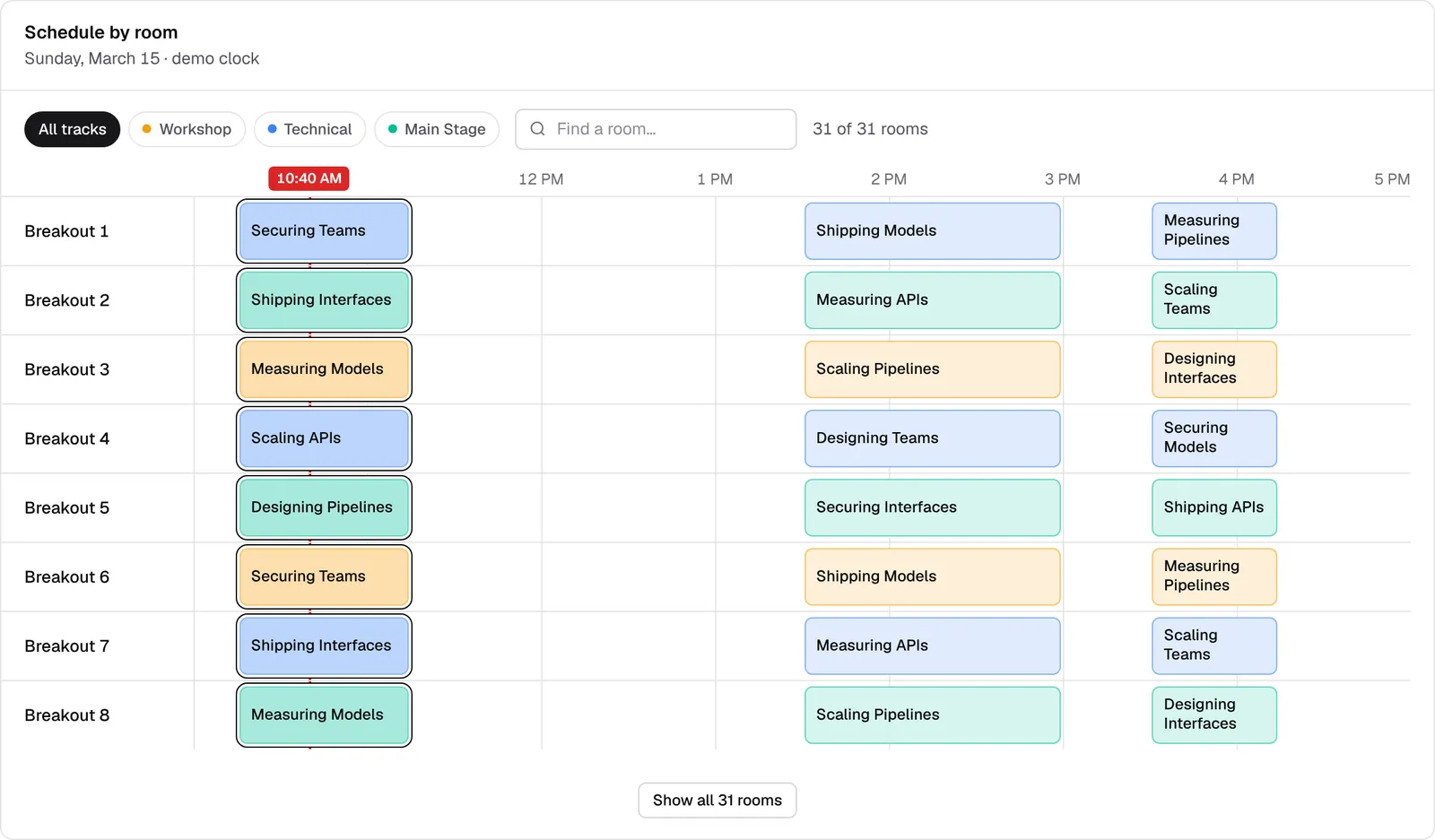
This is the one deliberate signature. Each room is a row across the day and every session is a block as wide as it is long, so overlaps and gaps show at a glance. It appears on the dashboard, as the timeline view of the sessions list, and as the “By room” layout of the public agenda.
Because I’ve run days with dozens of rooms, I asked what happens at 30 or more. The timeline gained track filters, room search and natural ordering, so Room 2 comes before Room 10. Past ten rooms it switches to compact rows with a sticky time axis. It was tested against a mock 31-room day before I saw it.
Underneath
- All data comes from the database. Supabase Auth handles sign-in, and row-level security covers every table: anonymous requests read nothing, and each client account sees only its own data.
- Saves can’t overwrite each other. An event saves as one transaction with a version number, so if two people edit at once, the later save is refused instead of quietly replacing the other person’s work.
- The demo looks after itself. One-click role sign-in, and a nightly job that rebuilds the sample event, so visitors can edit freely.
- Checked on every push. Lint and a production build run on every change.
Try it
The demo runs a two-day sample event, TechForward Summit 2026. Pick a role on the sign-in screen and change whatever you like; it all resets overnight. Open the live demo.